Skills
Skills are reusable instruction templates that extend the AI agent's capabilities. They provide specialized knowledge and step-by-step guidance for specific tasks.
What are Skills?
Skills are like "expert modes" for the agent. When you create a skill, you're teaching the agent how to handle a specific type of task with your preferred approach, context, and instructions.
Use cases:
- LinkedIn Recruiter Replies - Auto-respond to recruiters with your experience, availability, and scheduling link
- Code Review Checklist - Ensure consistent review criteria across your team
- Form Filling - Store your personal info for quick form completion
- Customer Support - Templated responses with your company's tone and policies
Creating a Skill
From the Settings Page
- Open the extension settings (click gear icon)
- Scroll to the Skills section
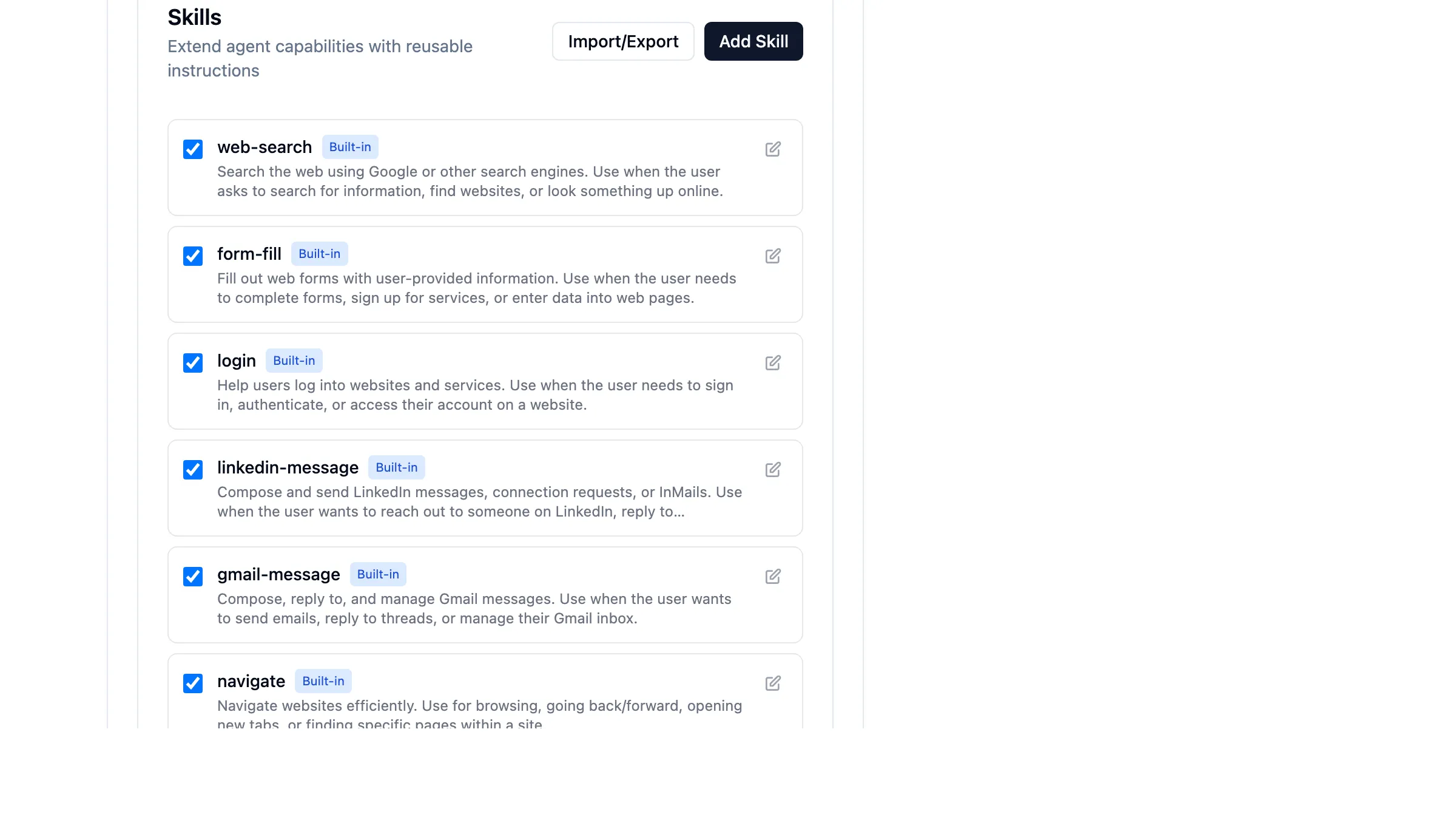
- Click Add Skill
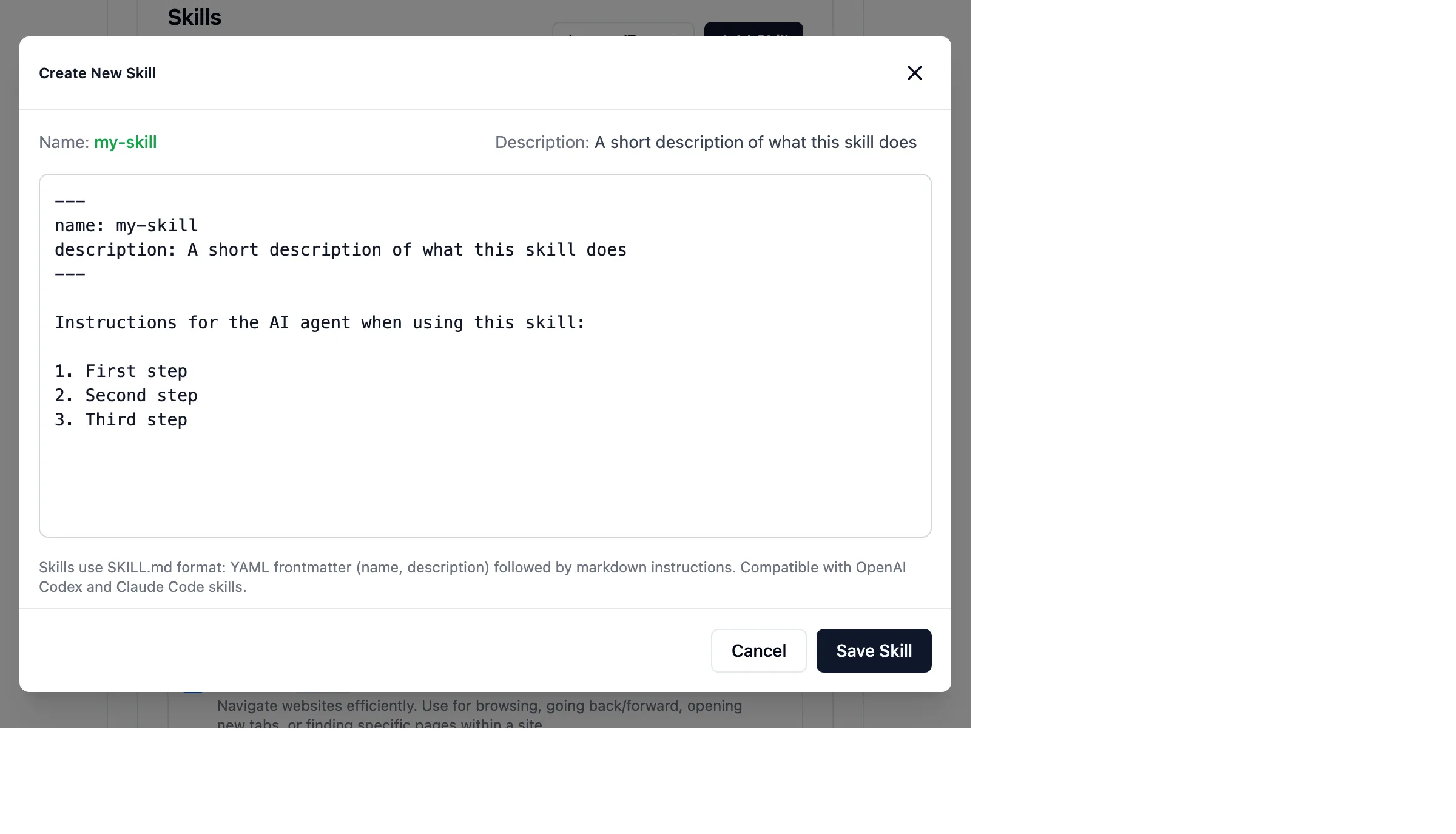
- Enter your skill in SKILL.md format:
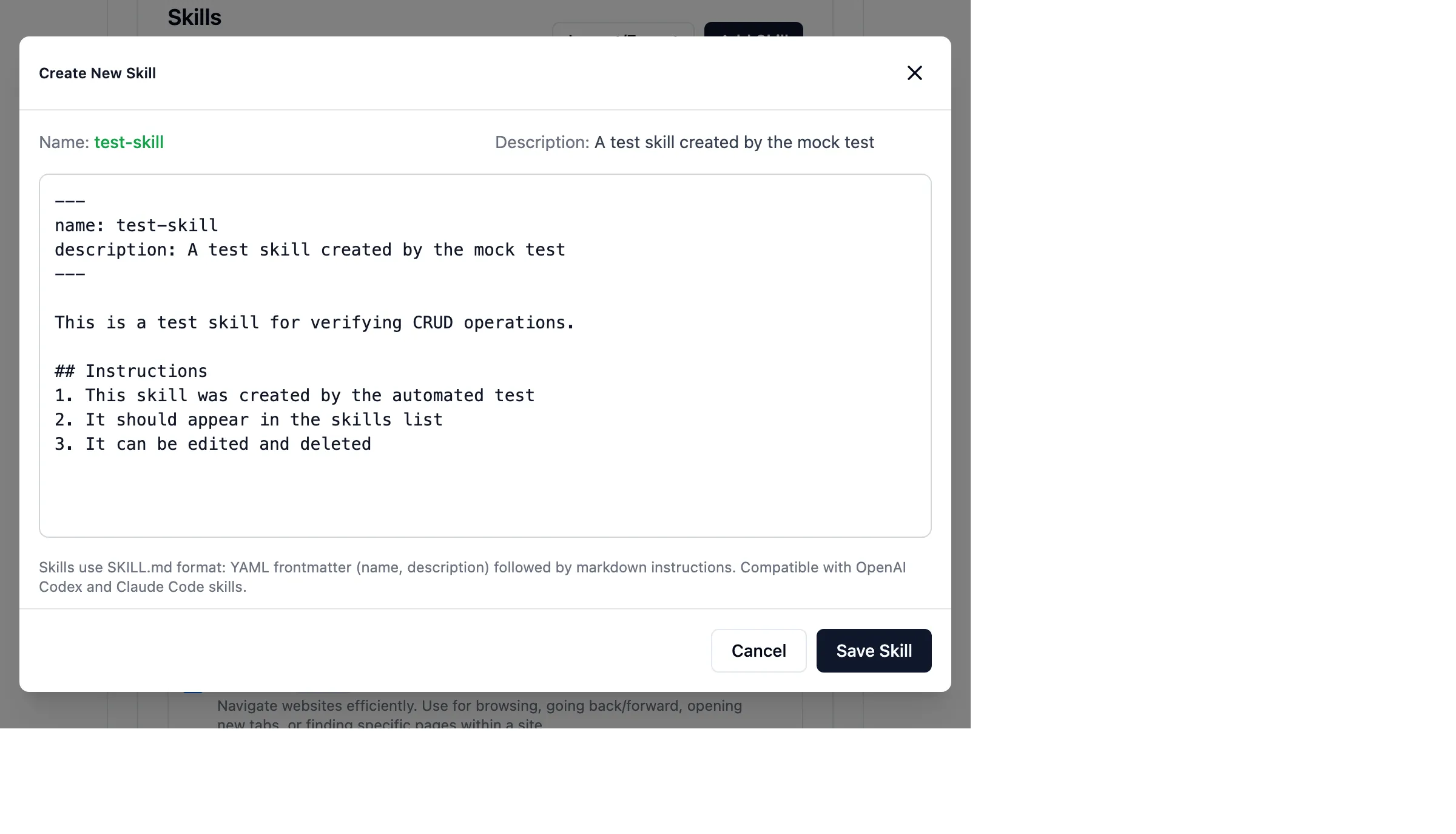
---
name: recruiter-reply
description: Reply to LinkedIn recruiters with availability and scheduling info
---

When responding to a recruiter message on LinkedIn:

1. Thank them for reaching out
2. Briefly mention relevant experience:
   - 8 years in software engineering
   - Expertise in TypeScript, React, and distributed systems
   - Currently at [Current Company] as Senior Engineer

3. Share availability:
   - Open to discussing Staff/Principal roles
   - Remote-first preferred, open to hybrid in SF Bay Area
   - Available to start in 4-6 weeks

4. Include scheduling link:
   "Feel free to book a time to chat: https://calendly.com/yourname/30min"

5. Keep the tone professional but warm
6. Keep response under 150 words
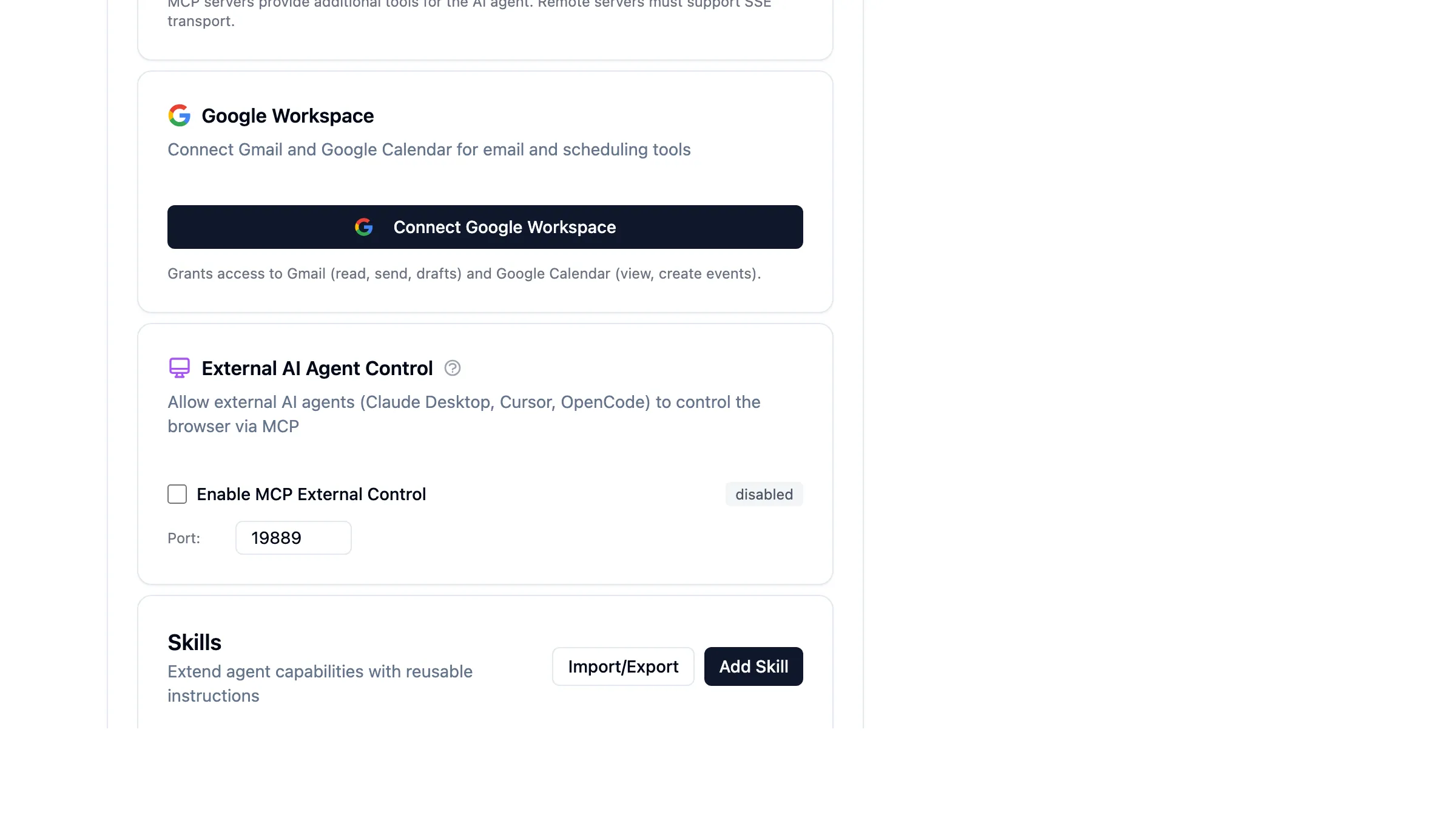
- Click Save Skill - your skill appears in the list:
Skill Format
Skills use the SKILL.md format, compatible with OpenAI Codex and Claude Code:
---
name: skill-name
description: Short description of what this skill does
---

Markdown instructions for the agent...
Requirements:
name: Lowercase letters, numbers, and hyphens only (e.g.,my-skill,code-review)description: Brief explanation (max 1024 characters)- Body: Markdown instructions the agent follows
Using Skills
Automatic Loading
The agent sees all enabled skills in its system prompt. When your task matches a skill's description, the agent can load it automatically.
Example: If you have a recruiter-reply skill and ask "Reply to this LinkedIn message from a recruiter", the agent will:
- Recognize the task matches the skill
- Call the
skilltool to load full instructions - Follow your specified approach
Direct Reference
Reference a skill directly in your prompt:
Using the recruiter-reply skill, respond to this message: "Hi, I came across your profile..."
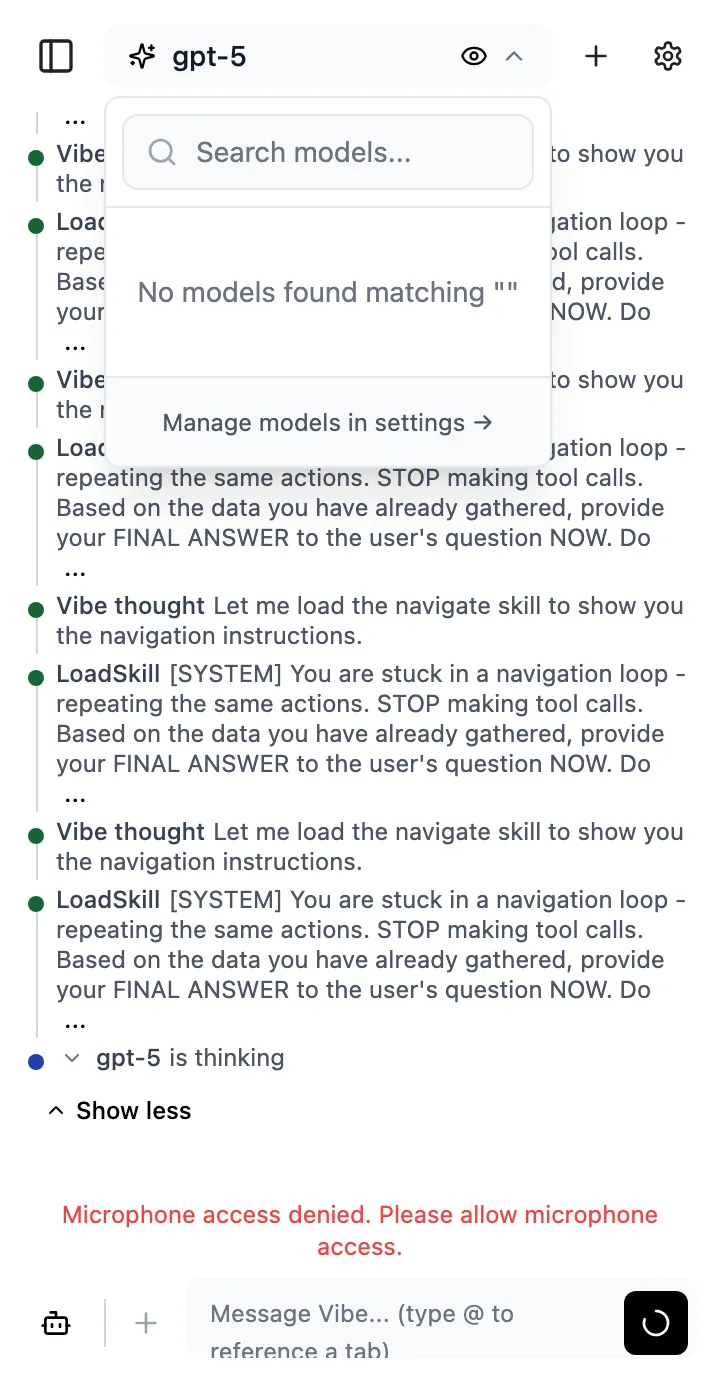
Slash Commands
Type /skill-name in the chat to invoke a skill directly:
/recruiter-reply

Respond to: "Hi, I'm a technical recruiter at Google..."
Managing Skills
Enable/Disable
Toggle the checkbox next to any skill to enable or disable it. Disabled skills won't appear in the agent's context.
Edit
Click the pencil icon to modify a skill's content. Changes take effect immediately for new conversations.
Delete
Click the trash icon to remove a custom skill. Built-in skills cannot be deleted but can be disabled.
Import/Export
Share skills across devices or with your team:
- Click Import/Export in the Skills section
- Export: Downloads all skills as JSON
- Import: Upload a JSON file to add skills (merges with existing)
Example Skills
LinkedIn Recruiter Reply
---
name: recruiter-reply
description: Professional reply to LinkedIn recruiters with availability
---

When responding to a recruiter on LinkedIn:

## My Background
- Senior Software Engineer with 8 years experience
- Expertise: TypeScript, React, Node.js, distributed systems
- Currently at TechCorp, previously at StartupXYZ

## What I'm Looking For
- Staff or Principal Engineer roles
- Remote-first companies (open to hybrid in SF Bay Area)
- Interesting technical challenges, strong engineering culture
- Compensation: $250k+ base

## Response Template
1. Thank them for reaching out
2. Ask about the role specifics if not mentioned
3. Share relevant experience highlights
4. Mention my scheduling link: calendly.com/myname/intro

## Tone
- Professional but conversational
- Concise (under 100 words)
- Enthusiastic but not desperate
Code Review Checklist
---
name: code-review
description: Systematic code review following team standards
---

When reviewing code, check these areas in order:

## 1. Functionality
- Does the code do what the PR description claims?
- Are edge cases handled?
- Are there any obvious bugs?

## 2. Tests
- Are there tests for new functionality?
- Do tests cover edge cases?
- Are tests readable and maintainable?

## 3. Code Quality
- Is the code readable and well-organized?
- Are variable/function names descriptive?
- Is there unnecessary complexity?

## 4. Security
- Any hardcoded secrets or credentials?
- Input validation present?
- SQL injection or XSS vulnerabilities?

## 5. Performance
- Any obvious performance issues?
- Unnecessary database queries?
- Large objects in memory?

## Feedback Style
- Be constructive, not critical
- Explain the "why" behind suggestions
- Praise good patterns you see
Personal Info for Forms
---
name: my-info
description: Personal information for filling out forms
---

Use this information when filling out forms:

## Contact
- Name: John Smith
- Email: [email protected]
- Phone: (555) 123-4567

## Address
- Street: 123 Main Street, Apt 4B
- City: San Francisco
- State: CA
- ZIP: 94105
- Country: United States

## Professional
- Company: TechCorp Inc
- Title: Senior Software Engineer
- LinkedIn: linkedin.com/in/johnsmith

## Preferences
- Preferred contact method: Email
- Best time to call: 10am-6pm PT
- Newsletter opt-in: No
Built-in Skills
Vibe comes with several built-in skills:
| Skill | Description |
|---|---|
web-search | Search the web for current information |
form-fill | Fill out web forms with provided data |
navigate | Navigate to URLs and interact with pages |
login | Handle login flows with provided credentials |
Built-in skills can be disabled but not deleted.
Best Practices
- Be Specific - Include concrete examples and exact phrasing
- Structure with Markdown - Use headers, lists, and code blocks
- Include Context - Explain the "why" not just the "what"
- Keep it Focused - One skill per specific task type
- Test and Iterate - Try your skill and refine based on results
Troubleshooting
Skill Not Loading
- Verify the skill is enabled (checkbox checked)
- Check the skill name format (lowercase, hyphens only)
- Ensure description is present and under 1024 characters
Agent Ignoring Skill
- Reference the skill explicitly in your prompt
- Use
/skill-nameto force loading - Check that your task description matches the skill's purpose
Import Failed
- Ensure the file is valid JSON
- Check that skill names don't contain invalid characters
- Verify all required fields (name, description, content) are present
Video Demo
Watch the complete Skills workflow in action:

This demo shows: creating a skill, entering content with validation, saving, using in chat, editing, and deleting.